- Elliot from Ghost Team
- Posts
- AI Health App Rush: Build ChatGPT Apps for 230 Million Users Today
AI Health App Rush: Build ChatGPT Apps for 230 Million Users Today
Full guide with discounts, prompts & tools included

Elliot Garreffa
January 15, 2026
Hey builders,
ChatGPT Health just dropped.
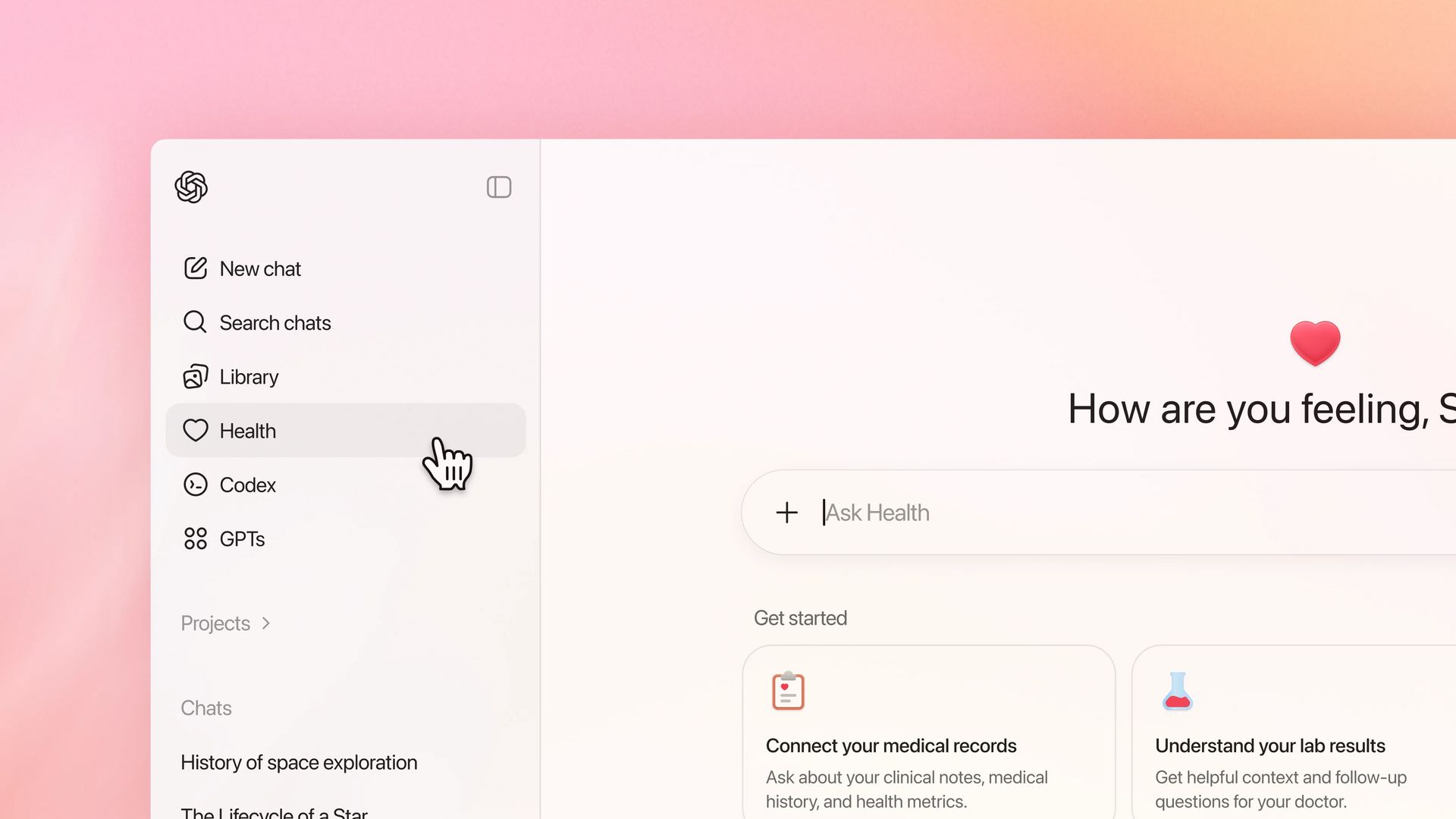
ChatGPT Health, inside ChatGPT
This is a interesting moment as it’s the first vertical specialisation for one of the major model companies.
But it’s obvious why OpenAI are doing it. Here are some stats:
230 million people globally ask ChatGPT health questions weekly
40 million ask ChatGPT health questions daily
More than 5% of ALL ChatGPT messages are health-related
7 in 10 health conversations happen outside clinic hours
This is a clear gap in traditional healthcare systems. And OpenAI just built the platform to fill it.
What’s interesting through, is that it presents an exciting opportunity to build health related ChatGPT Apps…
WeightWatchers, MyFitnessPal, Function Health, Peloton and AllTrails all already have ChatGPT Health Apps live. Many more will follow.
So, today, I'm breaking down:
→ Why ChatGPT Health Apps matter right now
→ The exact process to build one in under 20 minutes
→ The tools you need
→ Full guide with prompts at the bottom
(By the way, even if you don’t want to build a health ChatGPT App, the demo and approach will help you build ANY app)
Let's dive in.
Full video demo here:
Why This Matters
ChatGPT Health is a dedicated health product allows users to connect personal health and wellness data from apps (e.g. Apple Health & MyFitnessPal), wearables (e.g. Whoop & Garmin), and electronic medical records.

ChatGPT Health Interface
The aim? Push ChatGPT to become the hub for personal health data.
This makes sense because health-related queries were already one of the most popular use cases. Many people were uploading blood test results, medical scans, and other deeply personal data anyway.
And healthcare is a MAJOR issue that needs solutions:
62% of Americans say healthcare is broken
Doctors only have ~5 minutes per patient during rounds
Health records aren't organized to flag drug interaction risks
68% of physicians say AI gives them an advantage in patient care
3 in 5 US adults used AI for health in the past 3 months
It's clear from the release that ChatGPT Health will have ChatGPT Apps inside of it. The Peloton ChatGPT App is already being used as an example.
These apps will likely be able to access medical records. Any apps approved here would need much tighter testing, security and data protection.
BUT imagine apps surfacing inside ChatGPT Health to help with specific queries:
Doctor Prep - prep me for my doctor visit
Lab Translator - explain my test results visually
Visit Recap - summarize what my doctor said and what to do next
Symptom Tracker - help me track symptoms and spot patterns over time
Medication Companion - explain my meds, side effects, and interactions
Sleep Helper - figure out why I'm not sleeping and what to try next
Mental Health Check-In - help me reflect, journal, and prepare for therapy
Recovery Coach - guide me through injury or surgery recovery
Nutrition Translator - turn medical advice into realistic food choices
Question Generator - help me ask better questions about my health
I particularly like this last one. Many people don't even know which questions to ask.
You can also clearly imagine brands wanting to play here.
WeightWatchers, MyFitnessPal, Function Health, Peloton and AllTrails all already have ChatGPT Health Apps live. Many more will follow.
Companies like Strava, Whoop, Garmin will all want to integrate to get their users data available to those using ChatGPT Health.
One thing is clear: huge opportunity for ChatGPT Health Apps.
So, I built a Recovery Coach app to show you exactly how this works.
The 4-Step Process
Step 1: Create the Perfect Prompt
The foundation of any great ChatGPT app is a well-crafted prompt.
Don't write this from scratch. Use my "ChatGPT App Prompt Architect" GPT to generate an optimized prompt for building.
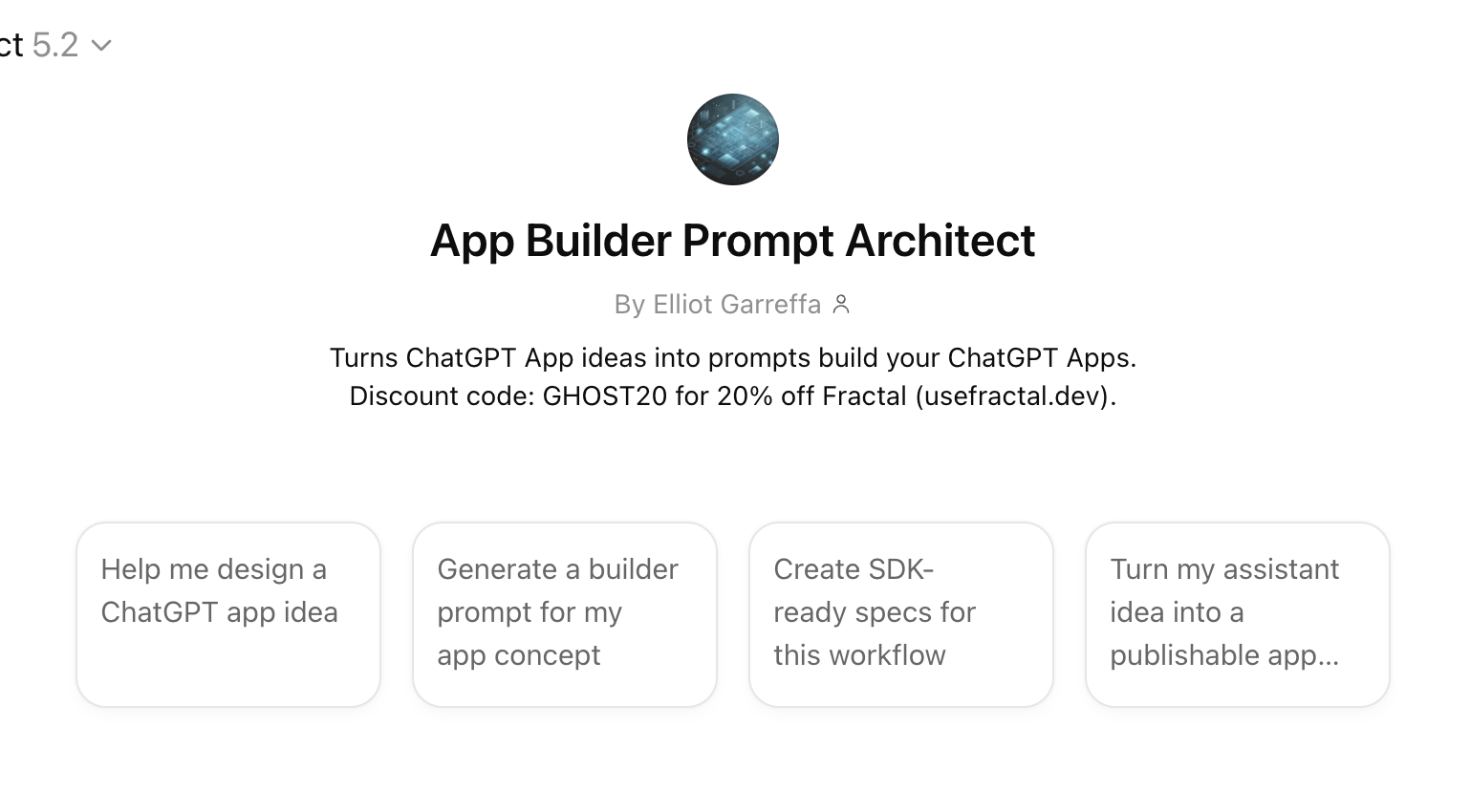
ChatGPT App Prompt Architect
Here's what you do:
→ Write a clear description of what you want to build
→ Take a screenshot of an app whose design you admire
→ Ask ChatGPT to extract brand guidelines from it
→ Enter both into the prompt trainer
The trainer asks clarifying questions, then generates your complete, optimized prompt including conversation starters and UX specifications.
Step 2: Build in Fractal
Fractal is a no-code builder that transforms your prompt into a fully functional ChatGPT app. Think of it as "Lovable for ChatGPT apps."
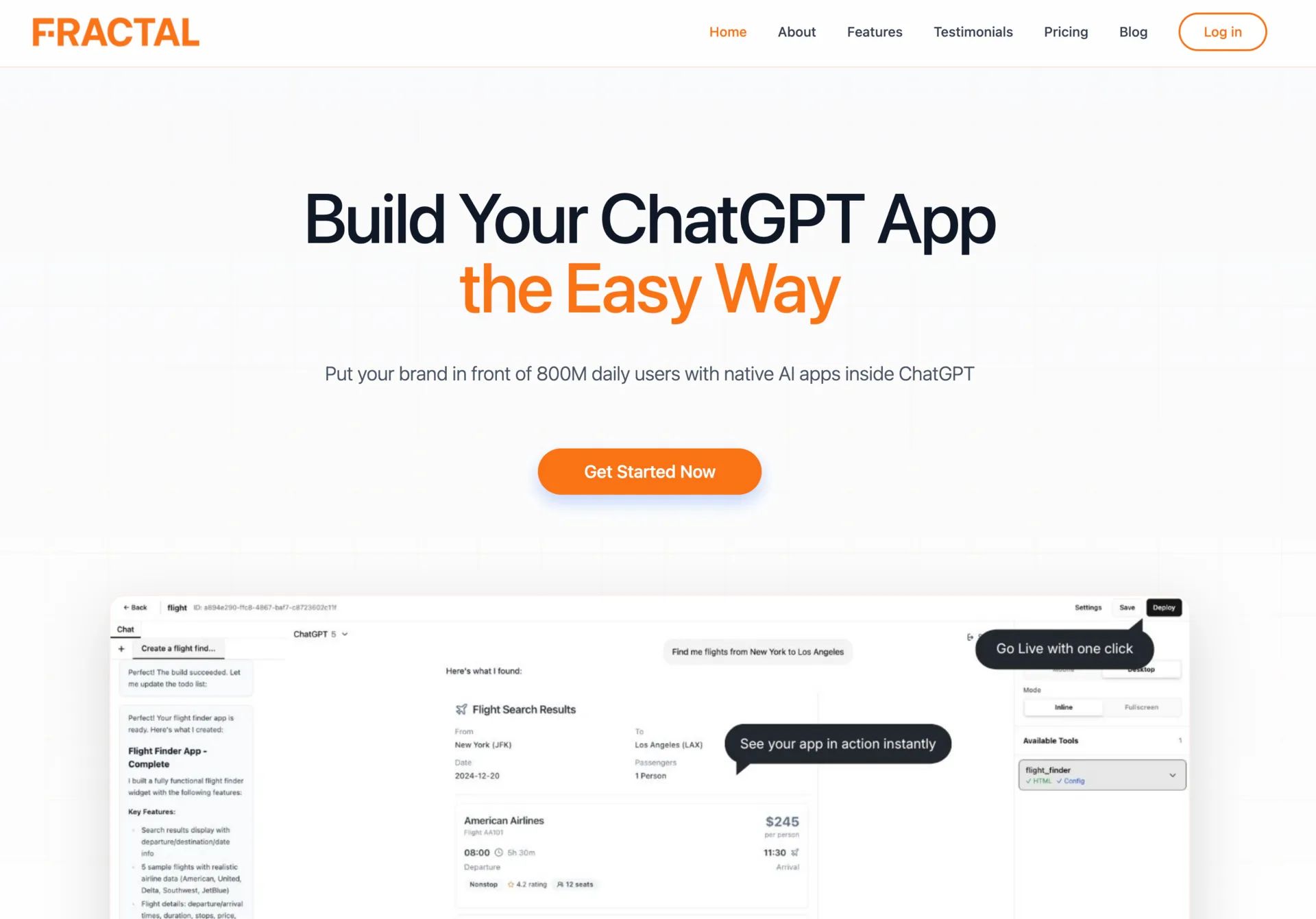
Lovable for ChatGPT Apps
No coding required. You just prompt and the agent builds.
Here's the workflow:
→ Log into Fractal and click "New App"
→ Paste your generated prompt
→ Add your brand guidelines at the bottom
→ Name your project and click "Start Build"
Fractal's agent creates a plan, then executes. Takes 5-15 minutes depending on complexity.
For my Recovery Coach, the agent created:
→ Create Recovery Plan (safety guidelines + personalized roadmap)
→ Daily Routine (exercise schedule with check-in functionality)
→ Exercise Details (individual exercise breakdowns)
→ Update Plan (ability to modify the recovery program)
Step 3: Test in ChatGPT
Before publishing, test thoroughly in ChatGPT's developer environment.
Click "Deploy" in Fractal. This creates an MCP server, making your app accessible publicly.
Then in ChatGPT (requires Pro or Enterprise):
→ Go to Settings
→ Personalization
→ Advanced
→ Enable Developer Mode
→ Click "Create an App"
→ Paste your Fractal deploy link
→ Name your app and select "No Auth"
Run test prompts like:
→ "I have just injured my Achilles running and want a recovery plan"
→ "Show me the first exercises"
→ "Update my recovery plan"
The app should intelligently select which tool to display based on user intent.
Step 4: Submit to the OpenAI App Store
Click "Publish" in Fractal. Unlike Apple's App Store, Fractal auto-generates most submission requirements.
What you need to review:
→ Tool metadata (how and when each feature should be used)
→ Domain verification (security requirement)
→ Test cases (positive prompts that SHOULD trigger your app, negative prompts that should NOT)
→ Screenshots of your app in action
→ Country availability (critical for health apps and regulatory compliance)
Submit and OpenAI reviews before making it publicly available.
Step 5: Get your ChatGPT Discovered!
Building your app is only part of the puzzle. You need to make sure it’s discovered so you get the benefit of ChatGPT’s +850 million users.
Check out appdiscoverability.com to get your ChatGPT App found by your target audience ahead of the competition.
Full Guide & Resources
I hope that was useful! I've put together a complete guide walking through everything step-by-step, including all the prompts I use.
→ Full guide
→ Fractal: usefractal.dev
→ 20% Fractal Discount: appsonchatgpt.com/offers
→ GPT Prompt Builder: App Builder Prompt Architect
→ ChatGPT App Discoverability appdiscoverability.com
Also, I’d love to hear from you! Feel free to drop me a reply with feedback, questions or things you’d like to see.
I read every reply!
Happy building,
Elliot
Learn how your business could grow with Apps on ChatGPT
If your company or brand is interested in getting an app inside ChatGPT, we'd love to talk to you. We have limited spots available to work with ambitious teams who want to win distribution inside of this new platform.
